PDF reports for analysis and school records
Export any sociogram, questionnaire or notes as a visual analysis or a formal Russian-language draft based on GOST R 7.0.97-2025.
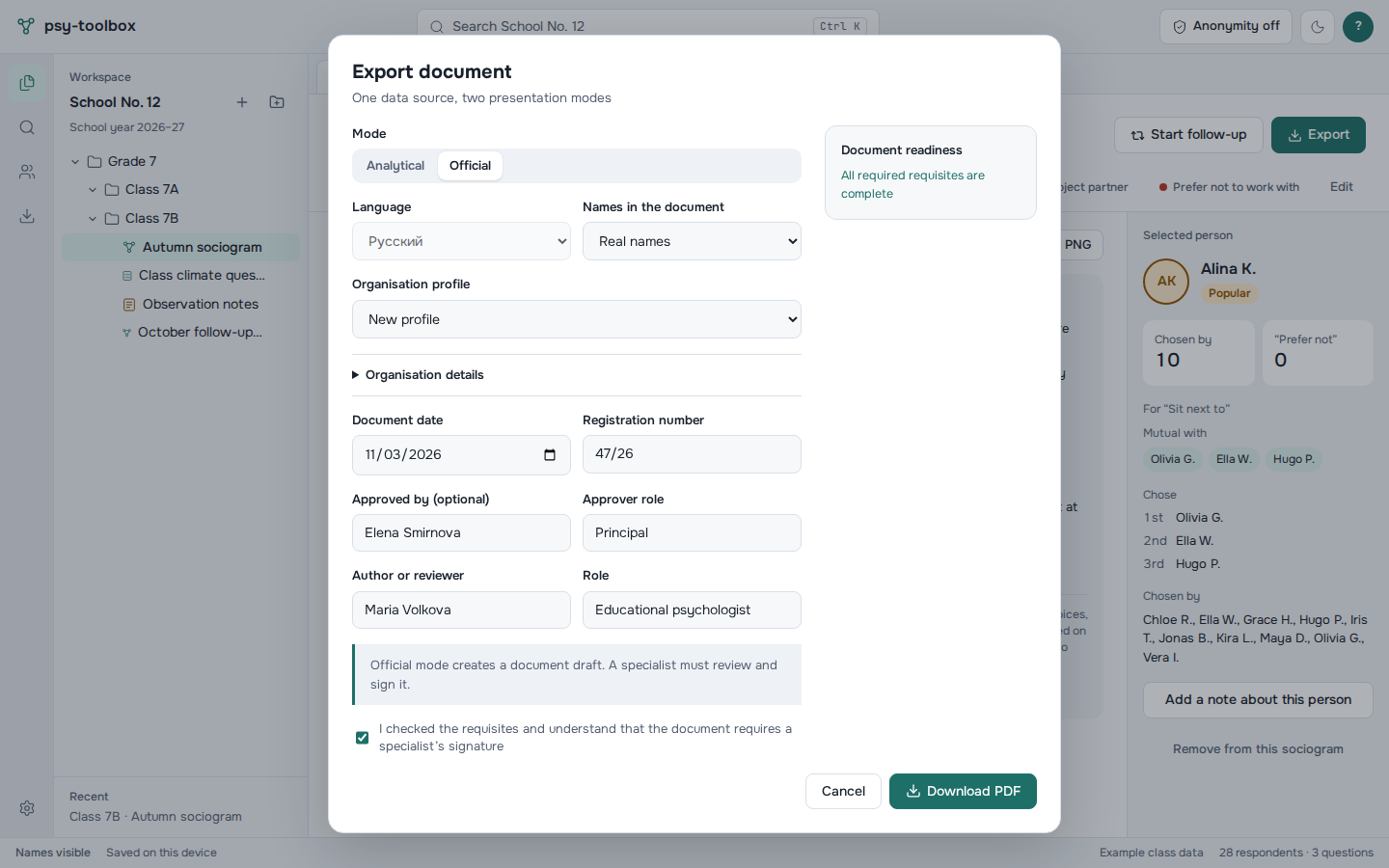
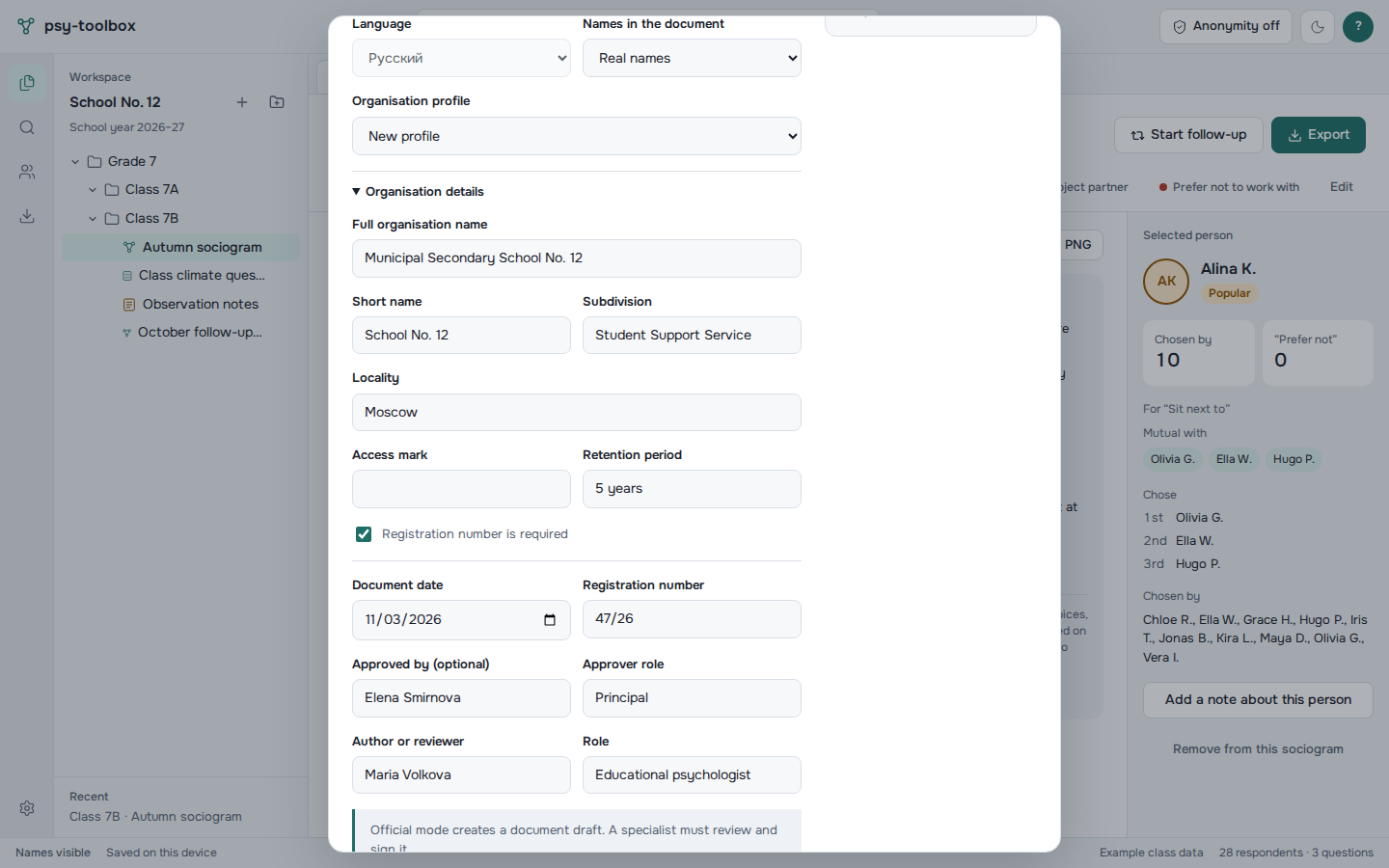
PDF export now begins with the purpose of the document. Choose an analytical report for discussion and interpretation, or prepare an official draft with the school’s requisites. Both use the same calculations, selected material and anonymity setting.
Same calculations in both formats
Both formats use A4 pages, GOST margins, top-centred page numbers and safe page breaks. Analytical reports retain Onest. Official drafts use Liberation Serif, a free font that looks like Times New Roman and keeps the text in place. Page one is counted but left unnumbered.
- Analytical: diagrams, compact summaries and colour accents in Russian or English
- Official: monochrome charts, non-colour markers and no visible psy-toolbox branding
- Both: identical calculations and selected content
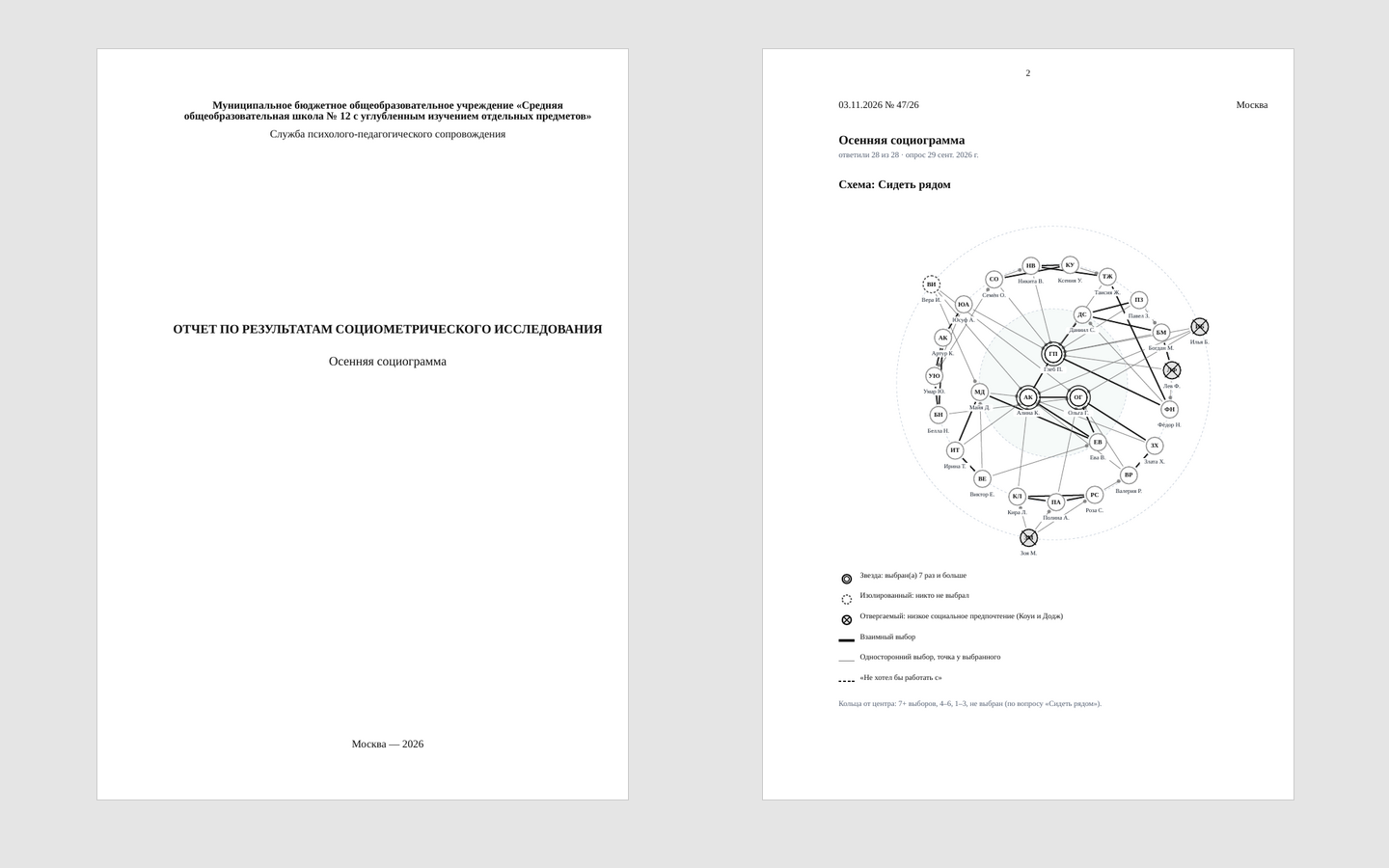
What the official draft looks like
The official draft opens with the organisation, document kind and title, followed by the locality and year. An approval requisite appears only when it has been supplied. The date and registration row begin the report itself on page two.
Save the school details for the next report
Fill in the school profile while preparing the first official draft. It is saved locally, included in workspace backups and available to later sociograms, questionnaires, notes and combined reports.